
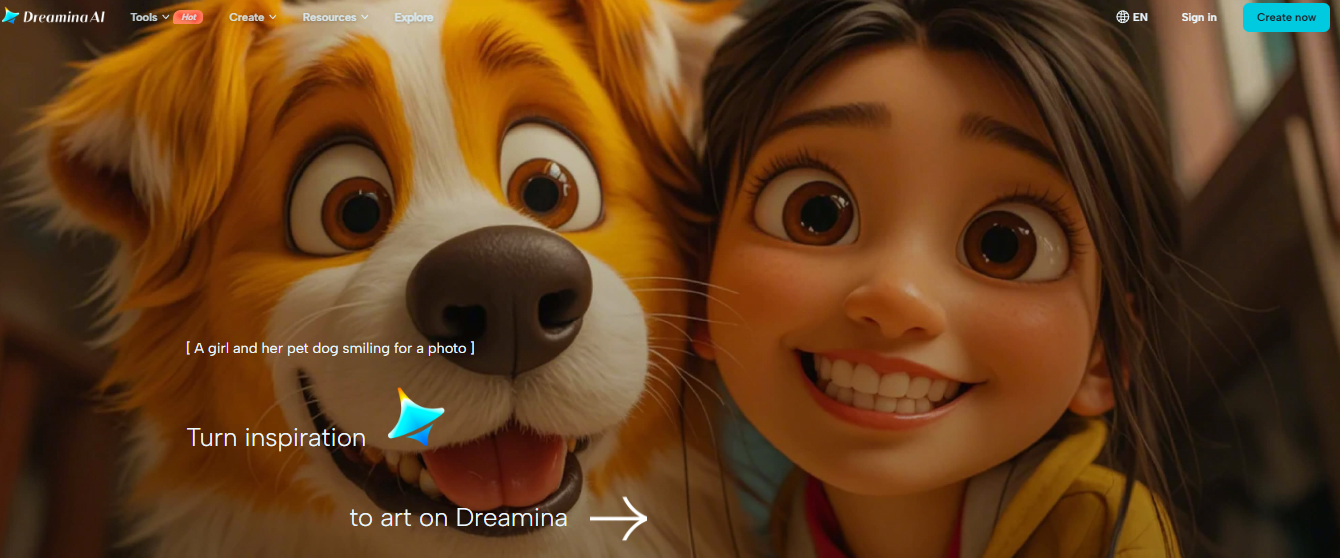
The world of artificial intelligence is rapidly revolutionizing the way creatives, businesses, and designers create visual content. One of the most promising tools in this field is Dreamina AI, an advanced, AI-powered image generation and creation platform. It allows users to transform text into high-quality, impactful images in seconds.
Whether you're a digital artist, marketer, entrepreneur, content creator, or everyday user, Dreamina AI provides a fast, easy, and powerful solution for creating professional-looking images without the need for complex design software or technical skills.
What is Dreamina AI?
Dreamina AI is an advanced, AI-powered image generation platform. It uses machine learning and deep neural networks to transform written descriptions into visually appealing images. Through natural language processing and generative AI models, Dreamina AI understands the user's input and generates detailed and creative images in various styles and formats.
Unlike traditional design tools that require manual intervention, Dreamina AI automates the creative process. Users simply specify their requirements, and the system generates images, illustrations, marketing materials, artistic concepts, social media images, or even product mockups in real time.
Dreamina AI is part of a new generation of creative tools powered by artificial intelligence, making digital art and design accessible, faster, and more affordable for both professionals and beginners.
Key Features of Dreamina AI
- Text-to-Image Generation: Transform descriptive text into detailed visualisations in a variety of genres, including anime, cyberpunk, and realistic art.
- Image-to-Image Transformation: Edit existing images by adjusting the background, style, or pose to create new interpretations.
- Canvas Editing Tools: Use features like Paste, Remove Background, and Image Zoom to enhance and seamlessly combine multiple elements.
- Layer Editing: Master complex compositions with precision using layered editing features.
- AI Photo Editing: Enhance your images easily with tools for scaling, retouching, and object removal.
- 3D Modelling: Create 3D models from text to quickly and easily create prototypes and designs.
- Community Inspiration: Explore a gallery of user-generated content and find inspiration and ideas for collaboration.
Use Cases of Dreamina AI
- Character Creation: Create unique characters for animated films, games, or illustrations.
- Fashion & Beauty: Create custom portraits, avatars, and fashion illustrations.
- Video Game Assets: Develop visual elements for game environments.
- Marketing & Advertising: Create compelling visual elements for your campaigns and promotional materials.
- Content Creation: Create compelling images for social media and other digital platforms.
- Product Photography: Create and design product images for e-commerce and catalogues.
Who uses Dreamina AI?
- Artists and illustrators: Create detailed graphics and illustrations.
- Marketing and advertising professionals: Design compelling promotional content.
- Content creators and influencers: Create unique content for social media.
- Game developers: Develop game assets and character designs.
- Fashion designers: Imagine and visualise fashion creations.
- Teachers and students: Teach and study fine art and design.
How to use Dreamina AI step-by-step?
Using Dreamina AI is simple and effective, even for beginners.
Step 1: Register or Log In
Visit the official Dreamina AI platform and create an account using your email address or social media account.
Step 2: Enter Text
Enter a detailed description of the desired image in the text box. For example:
"A futuristic city scene at sunset with flying cars and neon lights in a cyberpunk style."
Step 3: Select Style and Settings
Choose your desired art style, resolution, and settings.
Step 4: Generate Image
Click the "Generate" button and wait a few seconds while Dreamina AI processes your request.
Step 5: Download or Edit
Once the image is generated, you can download it or optimise it using the built-in editing options.
Dreamina AI - Pricing
Dreamina AI offers flexible pricing options to meet the diverse needs of its users.
Free Plan
- Limited daily image generation
- Standard output resolution
- Basic styles and features
Professional Plan
- Higher daily image generation limit
- HD image downloads
- Advanced customization options
- Commercial use rights
Business Plan
- Unlimited or bulk image generation
- Priority rendering
- Collaboration tools
- API access (in some cases)
Benefits of Dreamina AI
- Save time and money compared to hiring graphic designers
- No technical or design skills required
- High-quality graphics in seconds
- Commercial use permitted
- Enhances creativity and productivity
- Accessible from any device
FAQs
Q1. Is Dreamina AI free?
Yes, Dreamina AI offers a free plan with limited features. Paid plans offer advanced tools and higher output quality.
Q2. Can I use Dreamina AI images for commercial purposes?
Most paid plans allow commercial use. However, it's advisable to review the licensing terms before using images commercially.
Q3. Does Dreamina AI require design skills?
No, Dreamina AI is suitable for beginners and professionals alike. You only need to enter text.
Q4. What file formats does Dreamina AI support?
Dreamina AI supports common formats like PNG and JPG for easy use across all devices.
Conclusion
Dreamina AI offers a comprehensive platform for transforming inspiration into art, catering to a diverse range of creative needs. With its intuitive design and advanced AI capabilities, users can push the boundaries of their artistic vision. Whether you’re a seasoned professional or a budding artist, Dreamina App provides the tools and community to inspire and support your creative projects.














