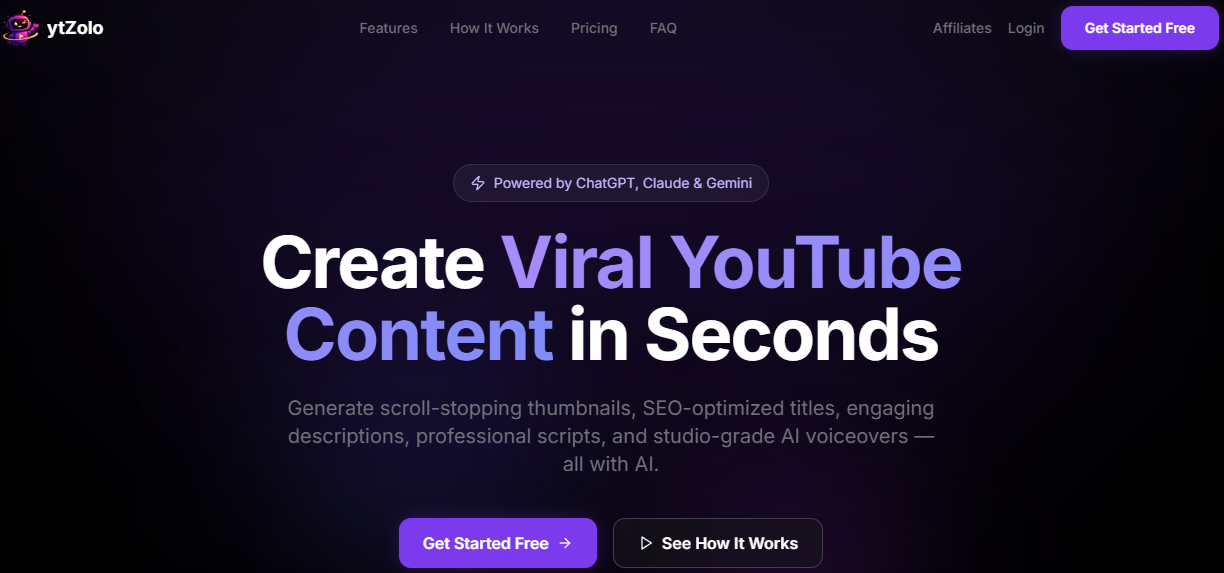
Ytzolo AI is an AI-powered content creation and audio production platform that simplifies every stage of the creative process. Whether you are working on YouTube videos, social media content, podcasts, marketing campaigns, or professional presentations, ytZolo provides AI tools to help you work faster and achieve professional results.
The platform includes features such as AI-powered text generation, YouTube SEO optimisation, title and script generation, text-to-speech conversion, AI voiceovers, text-to-dialogue conversion, voice editing, music production, sound effects, voice isolation, auto-alignment, and other user-friendly tools. By integrating content creation and audio production into a single platform, ytZolo eliminates the need for multiple applications, saves time, and ensures consistent high quality.
What is Ytzolo AI?
Ytzolo AI helps content creators produce high-quality YouTube content rapidly. The platform generates compelling thumbnails, titles, descriptions, tags, and fully SEO-optimized scripts in seconds. You can utilise templates from ChatGPT, Claude, Gemini, and others, then save your creations as stories or export them for publishing. This tool is designed for short-form video creators, long-form YouTubers, and agencies looking to boost their click-through rate (CTR) without spending hours in Photoshop or struggling with a blank page. Its goal is to improve CTR, save time, and make content creation easier for everyone, including freelancers.
Key Features of Ytzolo AI
- Create high-CTR thumbnails in seconds. Create SEO-optimized titles, descriptions, and tags.
- Write scripts for both short- and long-form videos.
- Supports multiple AI templates for various tasks.
- Batch generation for a faster workflow.
- Save your creations as discoverable stories.
What does Ytzolo AI offer?
- AI Thumbnail Generation: Create impactful, viral-ready thumbnails.
- SEO-Optimized Titles: Generate titles that boost rankings and attract more viewers.
- Engaging Descriptions: Write compelling descriptions that increase clicks and watch time.
- Professional Scriptwriting: Create high-quality scripts for your videos.
- Boost Click-Through Rate & Channel Growth: Strategically optimise content performance to grow your audience faster.
How to use Ytzolo AI?
YouTube Creators
Use AI-generated content, scripts, titles, and descriptions to create high-performing videos.
Content Marketing Managers
Plan and optimise video content to attract more viewers and achieve marketing goals.
Influencers
Engage your audience with original content ideas and captivating videos.
Agencies
Efficiently manage multiple channels by streamlining content planning and optimisation.
Educators
Create educational videos with well-structured scripts and content.
Businesses
Build brand awareness and customer loyalty through consistent, high-quality YouTube content.
How to use Ytzolo AI?
Getting started with ytZolo is easy.
Step 1: Create an account
Visit the ytZolo website and sign up using your email address. New users can start with a free plan to try out the platform before subscribing to a paid plan.
Step 2: Choose the right tools
After signing up, you will gain access to a dashboard featuring various content creation tools. Depending on your goals, you can choose from the following:
- Script Generator
- Title Generator
- Description Generator
- Tag Generator
- Thumbnail Generator
- Content Idea Generator
Select the feature that best suits the specific stage of your content creation process.
Step 3: Define your video topic
Enter details about your video, such as:
- Main topic
- Target audience
- Keywords
- Content style
- Video length
The more accurate the information, the more relevant the AI-generated results will be.
Step 4: Generate content
Click "Generate" and let ytZolo create content based on your instructions. Depending on the tool you selected, the platform can generate:
- Video title
- Description
- SEO tags
- Full script
- Thumbnail concepts
- Content ideas
Step 5: Review and optimise
AI-generated content is a great starting point. Carefully review the results and make necessary adjustments to ensure they align with your style, target audience, and brand.
Step 6: Create additional assets
Once your script or content plan is finalised, you can use ytZolo’s other tools to create additional assets such as titles, descriptions, tags, and optimised thumbnails. This ensures consistency across your entire video project.
Step 7: Save your work
Ytzolo AI preserves your creation history, allowing you to easily view past projects, compare ideas, and reuse content as needed.
Step 8: Publish and optimise
Once your content is ready, upload your video to YouTube using the title, description, tags, and thumbnail generated by ytZolo. Analyse its performance and use that data to improve future videos.
Conclusion
Building a YouTube channel usually requires balancing creativity with consistency. Creators often have more ideas than they have time to execute. Therefore, tools that reduce the workload are essential. While Ytzolo AI won't automatically build a successful channel for you, it can simplify management. Whether you are looking for a title for your next video, want to maintain a publishing schedule, or simply wish to work more efficiently, this platform assists creators where it matters most.