
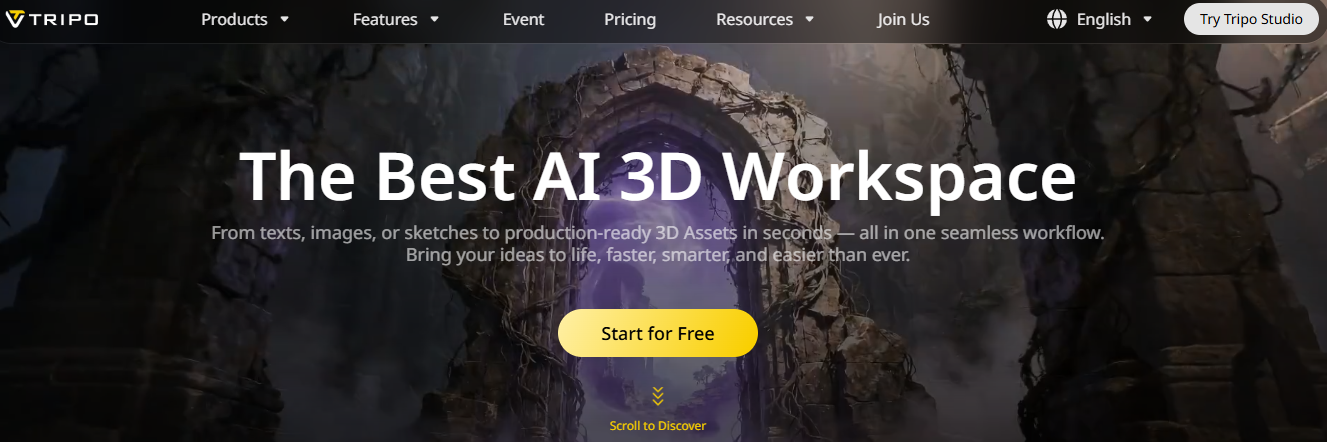
Tripo AI is an AI-powered 3D model generator that transforms images and text into detailed 3D models featuring high-resolution textures. Ideal for both professionals and beginners, this tool offers a fast and easy way to create 3D content for various applications, such as video games, 3D printing, and the Metaverse.
Key Features of Tripo AI
Text-to-3D Model Conversion
With Tripo AI, you can generate detailed 3D models simply by typing in text. This feature is ideal for those with limited 3D modelling experience who require high-quality models quickly.
Image-to-3D Model Conversion
Import images to generate corresponding 3D models. This feature is particularly useful for creating accurate and realistic models based on existing imagery.
High-Quality Results
The AI ensures the creation of high-quality 3D models with crisp textures and precise details, making them suitable for a wide range of professional applications.
Fast and Efficient
Tripo's powerful AI engine generates 3D models in a matter of seconds, significantly reducing the time and effort required compared to traditional 3D modelling methods.
Customizable Models
Users can refine and modify their models to suit their specific requirements, offering a high degree of flexibility and customisation.
How to Use Tripo AI in the 3D AI Studio
From Concept to Detailed 3D Model in Four Simple Steps
1. Data Input
Enter text prompts, import a reference image, or upload photos taken from two to four different angles.
2. Creation
Tripo 3D generates detailed geometry with up to 500,000 polygons. Results are available within one to three minutes.
3. Preview
View your model in an interactive 3D viewer. Inspect the geometry and materials.
4. Export
Download the model in GLB format. Convert it to OBJ, FBX, STL, or USDZ formats using built-in tools.
Who is Tripo AI for?
- Game Developers: To rapidly create complex graphics for games.
- Product Designers: To simplify prototyping and product design.
- Animators: To generate detailed models for animation projects.
- Educational Institutions: To utilise this tool in 3D modelling and design classes.
- Other Uses: Museums for virtual exhibitions; Architects for conceptual design.
Tripo AI Pricing:
- Basic: Free. Includes 300 credits per month, 1 concurrent job, 1-day history, limited export formats, limited queue priority, and access to public models under the CC BY 4.0 license.
- Professional: $19.90 per month. Includes 3,000 credits per month, 10 concurrent jobs, 7-day history, private models for commercial use, high queue priority, and advanced features such as multiview generation, batch processing, part segmentation, skeleton export, HD textures, and intelligent low-poly modelling.
- Advanced: $49.90 per month, 8,000 credits per month, 15 concurrent tasks, 30-day history, private models for commercial use, high priority in the queue, and special features similar to the Professional plan.
- Premium: $139.90 per month, 25,000 credits per month, 20 concurrent tasks, permanent history, one private model for commercial use, highest priority in the queue, and special features similar to the Advanced plan.
Use cases and possible approaches
Tripo AI offers a variety of services in different categories:
- Game Development: Quickly create game-ready 3D models, improve the look and feel of your game, and accelerate development.
- Product Design: Create detailed 3D models for exhibits, displays, and virtual reality.
- Education: Helping students and teachers easily understand complex concepts and ideas.
- Visual and Interactive Experiences: Create immersive VR and AR experiences with high-quality 3D renderings created from text or images.
What are developers using Tripo 3D for?
From detailed models to 3D printed models, Tripo 3D is easily integrated into any manufacturing process.
3D Storytelling
Detailed models for physical and chemical properties.
3D Graphics
Best 3D graphics for online shopping games.
3D Printing
Clean surfaces with adjustable polygons for drawing.
Entry Format
Detailed 3D effects for video, animation, and animation.
Conclusion
Tripo AI is a great way to enter the world of 3D. It removes all barriers with its ease of use and the ability to quickly create models. Whether you are an experienced designer or just starting, Tripo AI provides you with the tools you need to turn your 3D ideas into reality in moments. With constant improvements and new features coming soon, it promises to become an essential part of everyone's toolkit to make a difference in the digital world.














