
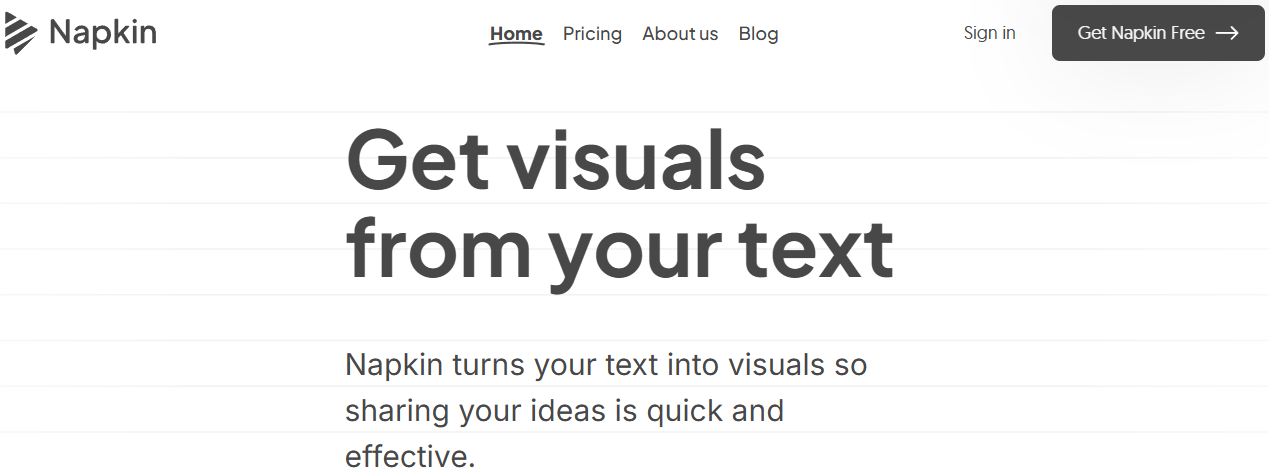
Artificial Intelligence has transformed how we brainstorm, design, and build digital content. Among the most innovative tools emerging in this space is Napkin AI, a platform designed to turn ideas into structured, visual, and actionable outputs within minutes.
Whether you're a student creating presentations, a developer exploring automation, or a business professional visualising concepts, Napkin AI bridges creativity and productivity in a uniquely simple way. With options like Napkin AI free tools, Napkin AI for mobile, and developer-friendly integrations through the napkin ai api, this platform caters to both technical and non-technical users alike.
What is Napkin AI?
Napkin AI is an intelligent idea visualization and content generation platform that helps users transform rough thoughts into structured diagrams, presentations, and digital assets. The platform leverages AI to understand written prompts and automatically generate flowcharts, mind maps, slides, and conceptual frameworks.
At its core, Napkin AI acts as a “digital thinking canvas” — allowing users to jot down ideas like on a napkin, then instantly convert them into polished, professional outputs.
The platform works across browsers and devices and also offers the Napkin AI app for mobile users, making it easy to brainstorm, design, and present ideas on the go.
Key Features of Napkin AI
1. AI-Powered Idea Visualization
Napkin AI turns plain text into structured visuals, such as:
- Flowcharts
- Mind maps
- Concept diagrams
- Presentation slides
This feature makes it perfect for product planning, lesson creation, and brainstorming sessions.
2. Napkin AI PPT Maker Free
One of the standout tools is the Napkin AI PPT maker free, which allows users to generate professional slide decks from a single idea or topic.
You can:
- Enter a concept
- Choose a theme
- Automatically generate structured slides
- Export in PPT format
This is ideal for students, educators, and business professionals who need fast, high-quality presentations.
3. Napkin AI for Mobile
With Napkin AI for mobile, users can:
- Brainstorm ideas anywhere
- Create and edit visuals
- Export presentations
- Collaborate in real-time
The Napkin AI app is optimized for both Android and iOS, offering a clean and intuitive interface for small screens.
4. Developer Integration with Napkin AI API
For developers and technical teams, the napkin ai api opens powerful automation possibilities. The API allows you to:
- Generate diagrams programmatically
- Convert text prompts into structured visuals
- Integrate Napkin AI into SaaS platforms
- Automate presentation generation
This makes Napkin AI a valuable tool for startups, edtech platforms, and productivity software providers.
5. Cloud-Based Collaboration
Users can share projects, collaborate in real time, and maintain version history. This is particularly useful for:
- Remote teams
- Classroom environments
- Product development teams
6. Multiple Export Formats
Napkin AI supports:
- PPT
- PNG
- Web links
This flexibility ensures compatibility across platforms and workflows.
How to Use Napkin AI?
Step 1: Napkin AI Download or Web Access
You can access Napkin AI via browser or install the Napkin AI app from the App Store or Google Play. For desktop users, the web version eliminates the need for a full Napkin AI download.
Step 2: Create an Account
Sign up using:
- Google account
- Work email
Free users get access to basic features and limited exports.
Step 3: Enter Your Idea
Simply type your concept, such as:
- “Marketing strategy for a fitness app”
Napkin AI will instantly transform it into a structured visual or slide deck.
Step 4: Customize Output
You can:
- Rearrange elements
- Change themes
- Add notes
- Edit text and visuals
Step 5: Export or Share
Export as PPT, PDF, or share a live link for collaboration.
Napkin AI API Tutorial for Developers
If you're building apps or automating workflows, the Napkin ai api tutorial process is straightforward.
Basic Workflow
1. Get API Key
Sign up on Napkin AI’s developer portal.
2. Authentication
Use Bearer token authentication for secure access.
3. Send a Prompt Request
Send your idea as a POST request.
4. Receive Structured Output
The API returns JSON with diagram or slide data.
5. Render in Your App
Use the output to display visuals or generate documents.
Example Use Cases for API
- Auto-generate training slides for HR platforms
- Create concept diagrams for project management tools
- Visualize product roadmaps in SaaS dashboards
The napkin ai api is especially useful for automation at scale.
Who Uses Napkin AI?
Napkin AI is designed for a wide audience:
Students
- Create presentations
- Visualize study notes
- Build project diagrams
Teachers & Educators
- Lesson planning
- Concept visualization
- Classroom presentations
Entrepreneurs & Startups
- Pitch decks
- Business models
- Product roadmaps
Developers
- API integration
- Workflow automation
- SaaS enhancement
Corporate Teams
- Strategy planning
- Brainstorming sessions
- Team collaboration
Top Use Cases for Napkin AI
1. Presentation Creation
Using the Napkin AI PPT maker free, users can generate structured slides in minutes instead of hours.
2. Brainstorming & Mind Mapping
Transform chaotic ideas into clear visual frameworks.
3. Product Planning
Design user journeys, feature roadmaps, and system flows.
4. Education & Training
Create engaging learning materials and visual explanations.
5. Software Development
Use the napkin ai api to embed visualization features into custom tools.
Napkin AI Pricing Plans
Free Plan
Includes:
- Limited projects
- Basic export
- Access to PPT maker
- Web and mobile access
Perfect for students and casual users.
Pro Plan
Includes:
- Unlimited projects
- Premium themes
- High-resolution exports
- Priority processing
- Advanced collaboration
Ideal for professionals and businesses.
Enterprise Plan
Includes:
- Full API access
- Custom integrations
- Team management
- Dedicated support
- SLA guarantees
Designed for large organizations and SaaS providers.
Pros and Cons of Napkin AI
Pros
Easy to use
- Free PPT generator
- Mobile app support
- API for developers
- Cloud collaboration
- Fast idea-to-visual conversion
Cons
- The free plan has export limits
- Advanced API features require an enterprise plan
- Offline mode not supported
FAQs About Napkin AI
1. Is Napkin AI free to use?
Yes, Napkin AI offers a free plan with basic features, including limited access to the PPT maker and visualization tools.
2. Can I use Napkin AI on my phone?
Absolutely. The Napkin AI app is available for Android and iOS, providing full mobile access.
3. Does Napkin AI support API integration?
Yes. Developers can use the napkin ai api for automation, visualization, and presentation generation.
4. Is there a Napkin AI download for desktop?
Napkin AI primarily runs in the browser, but mobile users can download the official app.
5. Can I create PowerPoint files for free?
Yes. The Napkin AI PPT maker free feature allows users to export presentations in PPT format.
6. Who should use Napkin AI?
Students, teachers, professionals, developers, and businesses can all benefit from its visualization and automation tools.
Conclusion
Napkin AI is more than a productivity tool — it’s a digital thinking partner. Whether you’re sketching ideas, building presentations, or automating workflows with the napkin ai api, this platform adapts to your needs.
From the Napkin AI free plan for beginners to enterprise-grade API solutions, the platform scales effortlessly. Its mobile app, browser-based access, and powerful Napkin AI PPT maker free feature make it one of the most versatile AI visualization tools available today.
If you're looking to turn raw ideas into structured, professional visuals with speed and simplicity, Napkin AI is a solution worth exploring.














