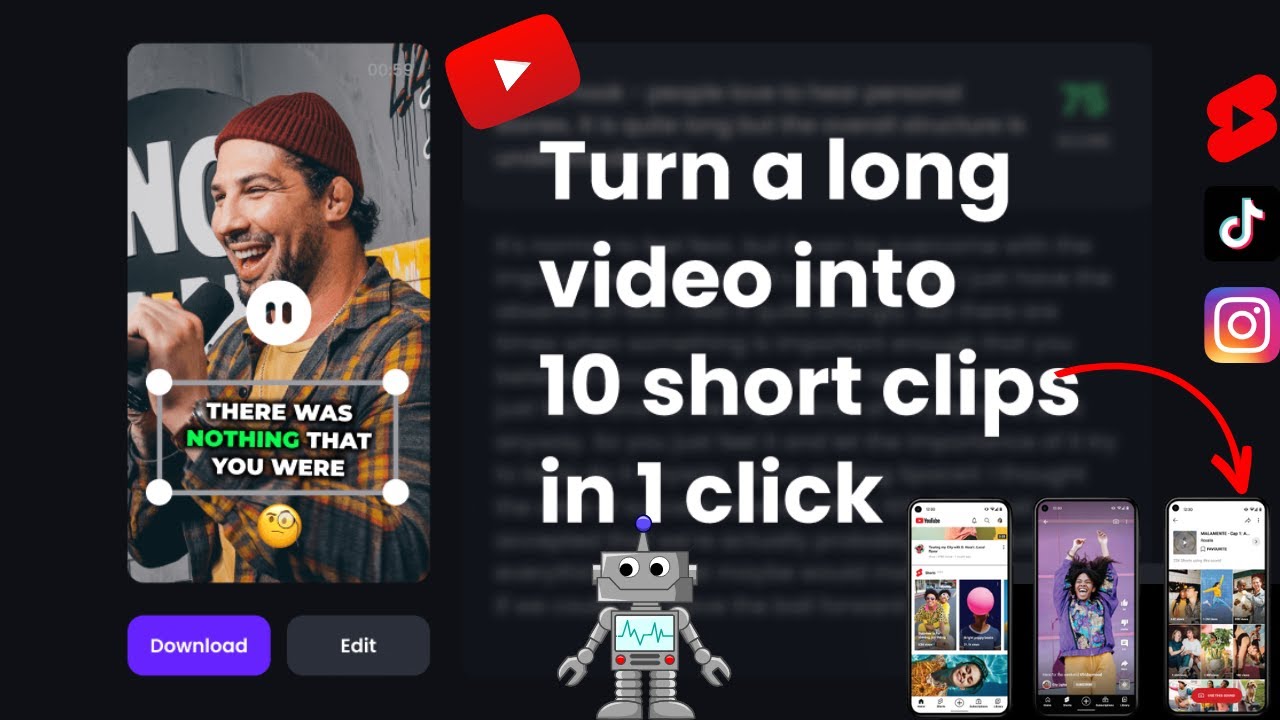
Have you ever spent hours writing a blog post, only to realize that it could reach way more people if it were a video? You’re not alone. With the rise of short-form and visual content, repurposing written content into videos has become one of the smartest strategies for creators and businesses.
The good news? You don’t need editing skills, expensive software, or a camera anymore.
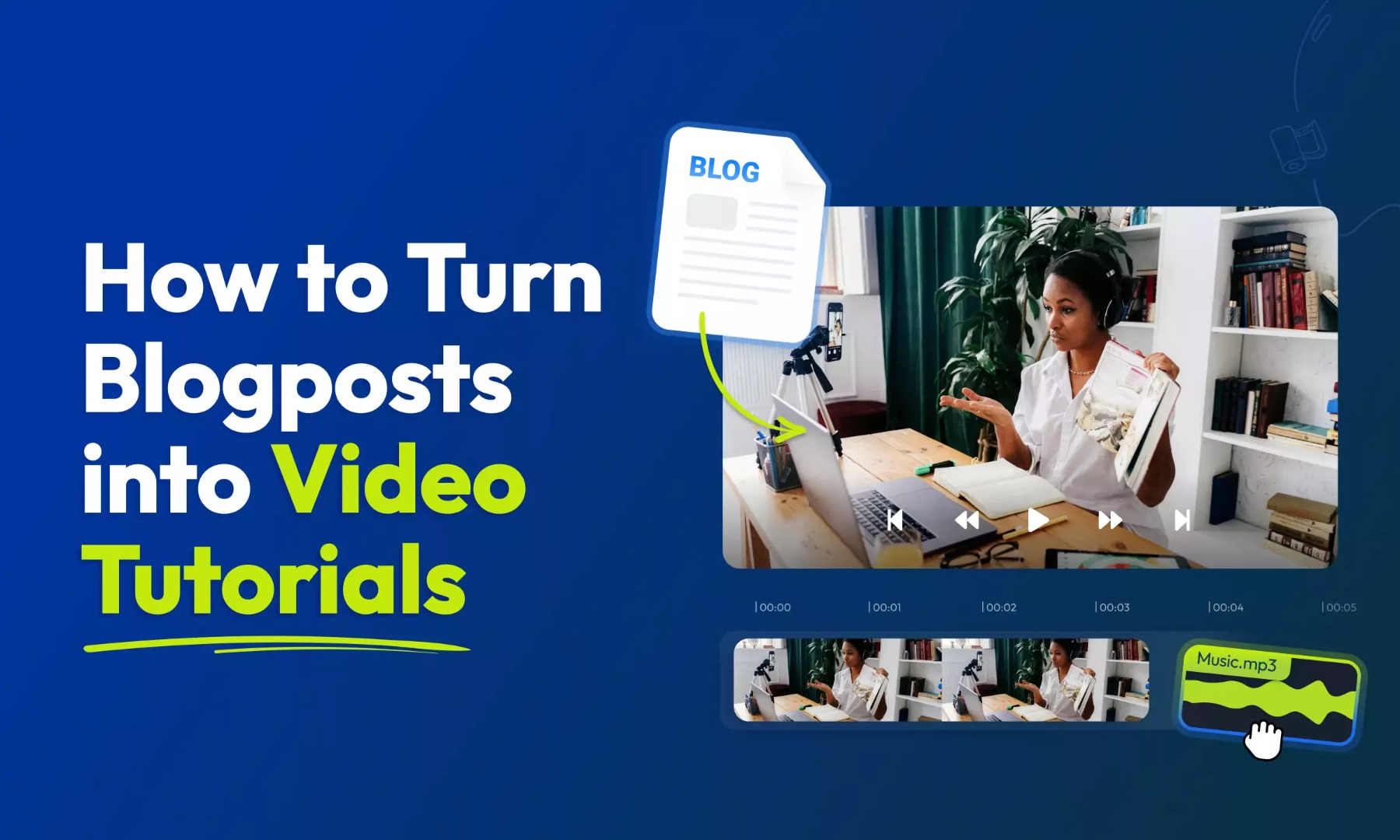
In this step-by-step guide, you’ll learn how to turn any blog post into a video using AI tools—even if you’re a complete beginner. This tutorial focuses on real-world use cases and shows exactly how to use AI for content repurposing in the easiest way possible.
What You’ll Need
Before starting, gather these essentials:
Basic Requirements
- A blog post or article (your own or licensed content)
- Internet connection
- 30–60 minutes of time
AI Tools for Beginners
You can choose from free or paid options:
- Script summarisation tool (AI writer)
- AI voice generator
- Video creation tool
- Stock footage or AI visuals
Free Tip: Start with free plans to test workflows, then upgrade if needed.
Step-by-Step Guide: How to Turn a Blog Post into a Video Using AI
Let’s break it down into simple steps you can follow right away.
Step 1: Choose the Right Blog Post
Not every article converts well into video—choose wisely.
Best Types of Blog Content:
- Listicles (e.g., “Top 5 Tips…”)
- How-to guides
- Tutorials
- Educational content
- Story-based articles
Pro Tip: If your blog solves a problem, it will likely perform well as a video.
Step 2: Convert the Blog into a Script
This is where AI saves hours of work.
Instead of manually rewriting your blog, use an AI tool to convert it into a video-friendly script.
Example Prompt:
“Convert this blog post into a 2-minute engaging YouTube video script with a strong hook and simple language.”
What to Adjust:
- Shorten long paragraphs
- Break content into bite-sized points
- Add a hook at the beginning
- Include a call-to-action at the end
Keep sentences conversational—videos should sound natural, not like articles.
Step 3: Generate an AI Voiceover
Now turn your script into a voice.
How to Use AI for Voiceovers:
- Paste your script into a voice generator
- Select a natural-sounding voice
- Adjust tone (friendly, energetic, calm)
- Download the audio file
Tips:
- Use a slightly faster pace (1.05x)
- Avoid overly robotic voices
- Match your voice tone with your topic
Step 4: Create Visuals That Match Your Content
This is where your video comes to life.
Option 1: Stock Footage
- Search clips based on your script sections
- Use relevant visuals for each point
Option 2: AI-Generated Visuals
- Generate custom images or animations
- Great for storytelling or unique branding
What Makes a Good Visual:
- Relevant to the narration
- High quality
- Changes every 2–5 seconds
Pro Tip: Don’t overthink—simple visuals that match the message work best.
Step 5: Assemble Your Video Using AI Tools
Now combine everything.
Steps:
- Upload your voiceover
- Add visuals in sync with the script
- Insert text overlays for key points
- Add transitions for smooth flow
Many AI tools can automate this process—perfect for beginners.
Step 6: Add Subtitles and Background Music
These small additions make a huge difference.
Why Subtitles Matter:
- Improve retention
- Help viewers watch without sound
- Boost engagement
Background Music Tips:
- Keep volume low (don’t overpower voice)
- Match mood with topic
- Use royalty-free tracks
Step 7: Export and Optimise for SEO
Now your video is ready to publish.
SEO Optimisation Checklist:
- Include your primary keyword in the title (e.g., How to Turn a Blog Post into a Video Using AI)
- Write a clear, keyword-rich description
Add tags like:
- “AI tools for beginners”
- “step-by-step guide”
- “How to use AI for video creation”
A strong thumbnail + title = more clicks.
Best AI Tools for This Task
Here are some of the best AI tools for turning blog posts into videos:
1. ChatGPT (Script Conversion)
- Quickly converts blog content into scripts
- Easy to customize tone and length
2. Pictory (AI Video Generator)
- Automatically turns text into videos
- Adds visuals and captions
3. Lumen5 (Content Repurposing)
- Designed specifically for blog-to-video conversion
- Drag-and-drop interface
4. InVideo (Video Editing)
- Pre-built templates for quick video creation
- Great for beginners
Real-Life Example
Let’s say you wrote a blog post titled:
“10 Morning Habits for a Productive Day”
Here’s how you turn it into a video:
- Script: AI summarizes it into 8–10 short points
- Voiceover: Friendly and motivational tone
- Visuals: Clips of morning routines, journaling, exercise
- Editing: Add captions, transitions, and calm music
Final Result:
- A 2–3 minute engaging video
- Shareable on YouTube, Instagram, or TikTok
- Reaches a wider audience than the blog alone
Tips to Get Better Results
Want your videos to stand out? Follow these:
Focus on the First 5 Seconds
Start with a strong hook to grab attention.
Keep It Simple
Don’t overload with too much information.
Use Consistent Branding
Same fonts, colors, and style in every video.
Optimize for Mobile
Most viewers watch on phones—make text readable.
Repurpose Again
Turn the same video into reels, shorts, or clips.
Common Mistakes to Avoid
Avoid these beginner pitfalls:
Copy-Pasting Blog Content Directly
Fix: Always simplify and adapt for video format.
Using Too Much Text on Screen
Fix: Keep it minimal and readable.
Poor Audio Quality
Fix: Use clear AI voice tools and adjust volume.
Ignoring Timing
Fix: Match visuals perfectly with narration.
Skipping SEO
Fix: Use keywords like:
- “how to use AI for content creation”
- “best AI tools for video making”
Conclusion
Turning a blog post into a video using AI is one of the smartest ways to grow your content without starting from scratch. Instead of creating something new every time, you simply repurpose what you already have.
To summarize:
- Choose the right blog post
- Convert it into a script using AI
- Generate voiceover
- Add visuals and edit
- Optimize and publish
The best part? You can create multiple pieces of content from a single blog—saving time while increasing reach.
If you’ve been wondering how to use AI for content creation, this is one of the easiest and most effective ways to start.
Now it’s your turn—pick one of your blog posts and turn it into a video today. You’ll be surprised how powerful this simple strategy can be.



%3A%20How%20to%Use%20&media=https://airesult.ai/logos/turn-a-blog-post-into-a-video-using-ai.jpeg)