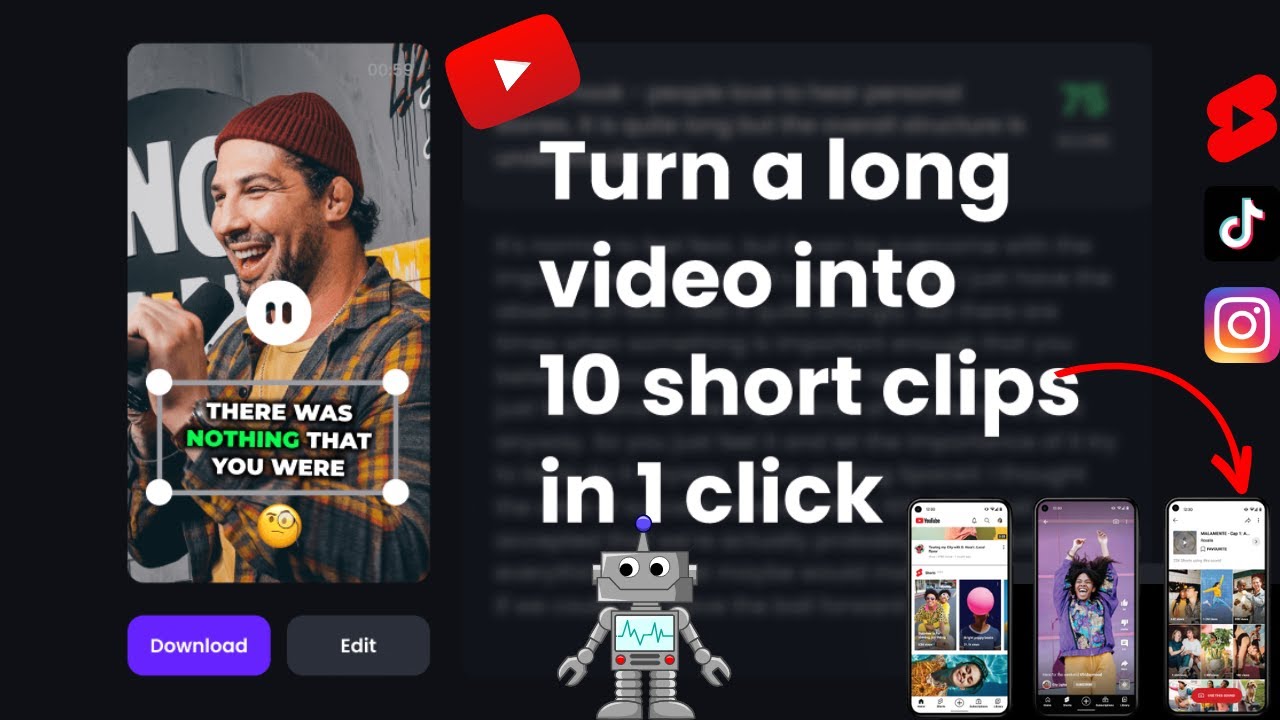
Video content is no longer optional—it’s essential. Whether you're a content creator, marketer, or business owner, short-form videos dominate platforms like Instagram, YouTube, and TikTok. But let’s be honest—creating videos can still feel complicated, time-consuming, and sometimes expensive.
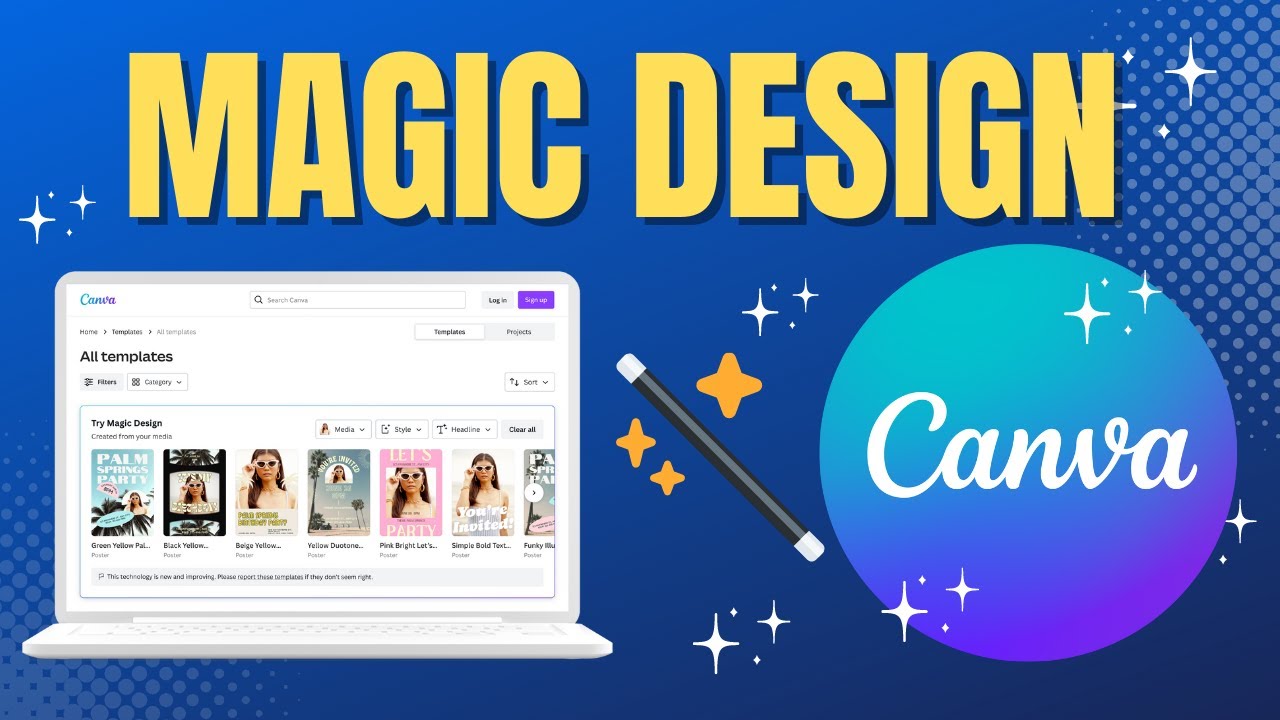
That’s where Canva steps in with its latest innovation: Magic Design for Video.
This new AI-powered feature is designed to simplify video creation to the point where anyone can create professional-quality videos in seconds, without editing skills, expensive tools, or prior experience.
And if you’ve ever struggled with video editing, this update might completely change your workflow.
What Is Canva Magic Design Video?
Magic Design Video is an AI-driven feature inside Canva that allows users to generate complete videos using:
- A simple text prompt
- Uploaded media (images or clips)
- Pre-existing content
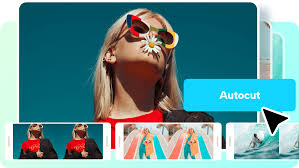
Instead of manually editing clips, adding transitions, choosing music, and formatting everything yourself, Canva’s AI does it all for you—automatically.
In simple terms, it’s like having a video editor, designer, and creative assistant all built into one tool.
How It Works (Step-by-Step)
The beauty of this feature lies in its simplicity.
Here’s how you can create a video using Magic Design:
Step 1: Enter a Prompt
Type something like:
- “Create a travel reel for Goa”
- “Make a motivational Instagram video”
- “Product promo video for skincare brand”
Step 2: Upload Media (Optional)
You can add:
- Photos
- Video clips
- Brand assets
Step 3: AI Generates the Video
Within seconds, Canva:
- Selects layouts
- Adds transitions
- Matches visuals
- Inserts text
- Suggests music
Step 4: Customise (Optional)
You can tweak:
- Text
- Colors
- Fonts
- Clips
And that’s it—your video is ready to publish.
Key Features of Canva Magic Design Video
1. AI-Powered Video Creation
The core feature is its ability to generate videos automatically using AI.
No need to:
- Cut clips manually
- Add transitions
- Sync music
Everything is done instantly.
2. Smart Visual Matching
The AI selects visuals that match your content theme.
For example:
- Travel → scenic clips
- Business → professional visuals
- Motivation → energetic scenes
This ensures your video feels cohesive and intentional.
3. Auto Music Integration
Music plays a huge role in engagement.
Canva automatically:
- Selects suitable background music
- Matches tempo with visuals
- Enhances emotional impact
4. Drag-and-Drop Editing
Even though the video is auto-generated, you still have full control.
You can:
- Replace clips
- Adjust timing
- Change layouts
5. Optimised for Social Media
Videos are automatically formatted for:
- Instagram Reels
- YouTube Shorts
- TikTok
No resizing or reformatting needed.
6. Fast Rendering
What used to take hours now takes seconds.
This speed is a huge advantage for creators who need to produce content regularly.
Real-World Use Cases
This tool is incredibly versatile and useful across multiple industries.
1. Content Creators
If you post regularly on Instagram or YouTube, this tool helps you:
- Create videos faster
- Maintain consistency
- Increase engagement
2. Small Businesses
Business owners can:
- Create product promos
- Make ads
- Showcase services
Without hiring editors or agencies.
3. YouTubers
You can:
- Create intros
- Generate Shorts
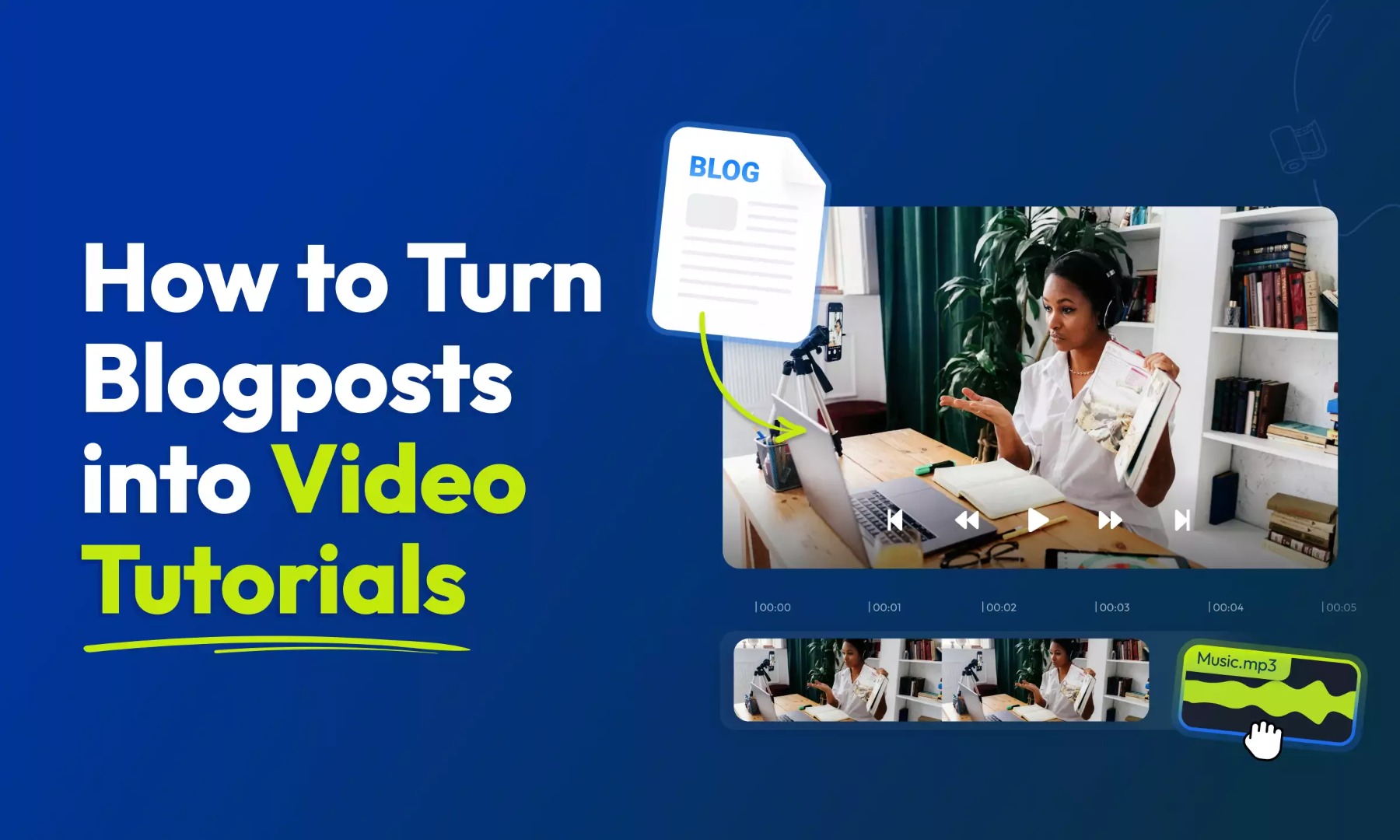
- Repurpose blog content into videos
4. Digital Marketers
Marketers can produce:
- Campaign videos
- Social media ads
- Brand storytelling content
5. Educators & Coaches
Turn lessons into:
- Explainer videos
- Educational reels
- Micro-learning content
Why This Update Matters
Video creation has always had a high barrier to entry.
You needed:
- Editing skills
- Software knowledge
- Time
Canva is removing all of that.
This update represents a major shift:
From manual creation → to AI-assisted creativity
Now, anyone can create high-quality videos—even beginners.
Canva vs Traditional Video Editing Tools
Let’s compare:
Traditional Tools (Premiere Pro, Final Cut)
- Powerful but complex
- Time-consuming
- Requires skill
AI Tools (General)
- Fast but limited control
Canva Magic Design
- Fast
- Beginner-friendly
- Customizable
This balance makes Canva ideal for the majority of users.
SEO Benefits of Using Video Content
This tool isn’t just about creation—it also helps with growth.
Video content:
- Increases time on page
- Improves engagement
- Boosts rankings
Search engines prioritise content that keeps users engaged.
Content Strategy Using Canva AI
Here’s how you can leverage this tool:
Daily Content Plan:
- 1 Instagram Reel
- 1 YouTube Short
- 1 Promotional video
Weekly:
- 2–3 long-form videos
Repurpose blog posts into videos for maximum reach.
Pro Tips to Get the Best Results
To maximise output:
- Use clear and specific prompts
- Upload high-quality images
- Keep videos short and engaging
- Add captions for better reach
Limitations to Consider
While powerful, there are a few limitations:
- Less control compared to advanced editing tools
- Some outputs may feel generic
- Requires an internet connection
But for most users, the benefits far outweigh these drawbacks.
Future of AI Video Creation
This update is just the beginning.
Soon, we may see:
- Fully automated content creation
- AI-generated scripts + videos
- Real-time editing
Canva is positioning itself as a complete AI content ecosystem.
Canva’s Role in the AI Revolution
Over the years, Canva has evolved from a simple design tool to a powerful creative platform.
With AI features like:
- Magic Write
- Background remover
- Image generator
- And now Magic Design Video
It’s becoming a one-stop solution for digital content creation.
Final Thoughts
Canva Magic Design Video is not just another feature—it’s a game-changer for content creation.
It removes the biggest barriers:
- Time
- Skill
- Complexity
And replaces them with:
- Speed
- Simplicity
- Creativity
Whether you're a beginner or a professional, this tool can significantly improve your content workflow.