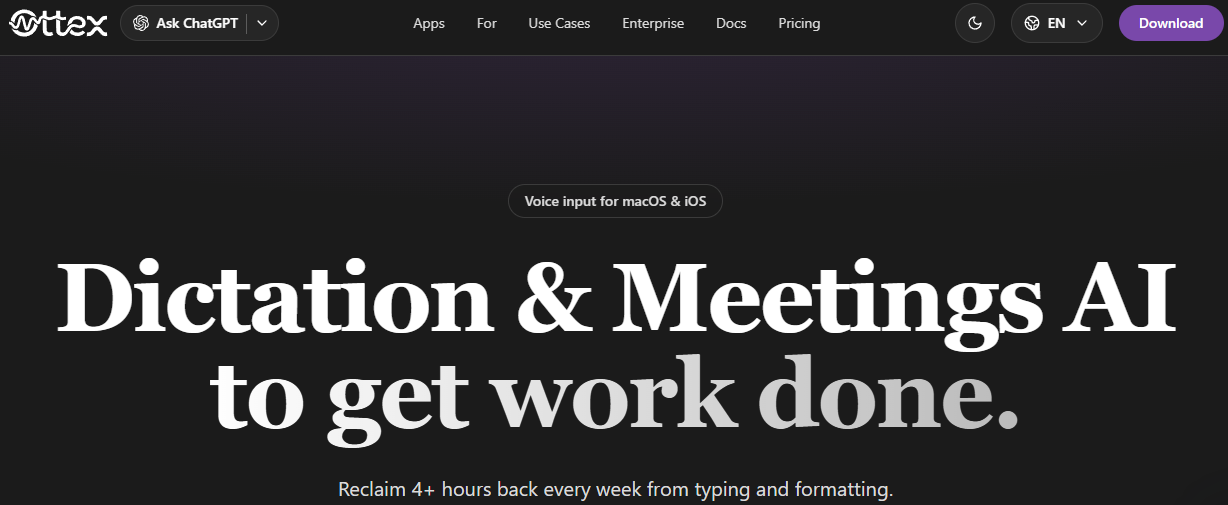
Ottex AI is a professional AI-powered speech recognition tool, designed specifically for macOS and iOS environments. It acts as a system-wide speech recognition portal with post-processing based on an LLM.
What is Ottex AI?
Ottex AI helps busy professionals transform speech into ready-to-use documents. In ChatGPT, your words are accurately reproduced. In Gmail, the style of your emails is preserved. Linear, structured queries are created. Create reusable workflows with instructions, voice tone, examples, and formatting rules, and let Ottex automatically launch them into the appropriate application or website. The real power of this platform lies in its ability to recognise the active application and change the process accordingly.
Whether you are creating a legal document or a short message for your team, that document will always be consistent with your brand identity. You can define specific rules for different fields, allowing you to create engaging LinkedIn posts and address technical issues in Jira. This high level of adaptability ensures that speech recognition meets the needs of professional documentation. The 'uncanny valley' effect in speech recognition can be avoided by taking your specific examples and preferences into account.
Key Features of Ottex AI
- Reusable workflow: Record instructions, voice tone, examples and formatting rules just once. Ottex AI will automatically activate them in the relevant application or website. Get accurate dictation when speed is important, and structured output when tone and formatting are important.
- Personal dictionary: Teach Ottex your names, words and technical terms. Ottex AI learns your speech patterns and recognises every word, from technical acronyms to the names of your colleagues.
- Snippets library: Say keywords and get the full text. Links, email introductions, addresses, signatures: Instantly enhance any text you record with your voice.
- Over 100 languages: Automatic recognition or custom settings for each mode. Speak in any language and get clear, well-formatted text. Switch languages instantly: Ottex adapts instantly.
Who is it for?
- Developers who want to easily deliver detailed instructions to AI-enabled coding assistants like Cursor, Copilot, or Cloud Code.
- Project managers who want to create Jira or Linear issues or Asana tasks by specifying context, acceptance criteria, and details.
- Professionals who can respond to Slack messages three times faster by providing informal updates, detailed information, or quick replies.
Why choose Ottex AI?
"You're not locked into a single vendor and can use the best technology available."
Ottex AI modular design allows you to integrate new transcription models and logic as they become available. You can use Gemini, Mistral, Whisper, and other models, and upgrade when you find a better option. This flexibility ensures that your workflow remains consistent and your career is future-proof.
Conclusion
You spend hours each week typing, formatting, or reprogramming AI tools. Ottex AI saves you over 4 hours by converting your voice into the perfect format for any task, such as precise dictation, structured questions, or drafting a business email. This is especially useful if you use multiple applications and need a single voice input tool that works for all of them.